
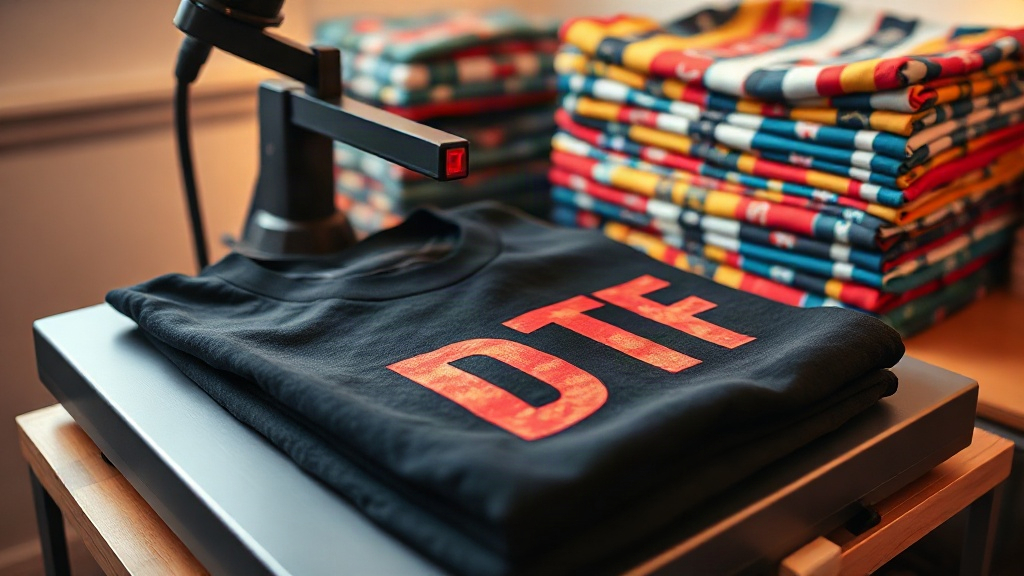
When you're printing on high-quality blanks like shaka wear and smart blanks, getting dtf transfers to look perfect is both an art and a science. These brands are popular for their consistent fit and fabric blends, but they each have quirks that can make or break your transfer. After pressing thousands of shirts in my own shop, I've learned that a one-size-fits-all approach doesn't work. This guide shares the exact settings and techniques I use to get vibrant, durable results on these specific blanks, so you can avoid wasted transfers and unhappy customers.
Why Shaka Wear and Smart Blanks Are Different
Shaka Wear is known for its heavyweight cotton and relaxed fit, often used in streetwear and urban fashion. The fabric is usually 100% cotton or a cotton-poly blend, with a tight knit that can be tricky for DTF transfers if not prepped correctly. Smart Blanks, on the other hand, offer a softer hand feel and are often 100% combed ringspun cotton or a tri-blend. Their smooth surface can be more forgiving, but the lower heat tolerance of some blends means you need to adjust your press settings. Understanding these differences is key to consistent output.
Fabric Composition and Heat Sensitivity
Most Shaka Wear tees are 5.5 oz to 6.0 oz, 100% cotton or 50/50 cotton-poly. Cotton can handle higher heat, but poly blends require lower temperatures to avoid scorching or dye migration. Smart Blanks often use 4.3 oz combed ringspun cotton or tri-blends (cotton-poly-rayon). Tri-blends are heat-sensitive; too much heat can cause the fabric to discolor or the transfer to crack. Always check the label or test on a hidden area first.
Surface Texture and Adhesion
Shaka Wear's heavier knit can have a slightly rougher surface, which means your DTF transfer needs enough pressure to penetrate the fibers. Smart Blanks' smoother surface can lead to the transfer sitting on top, resulting in a plastic-y feel if not pressed correctly. The key is to find the sweet spot for pressure and time that bonds the adhesive without over-compressing the fabric.
Preparing Your DTF Transfers for Success
Before you even think about pressing, prep is everything. I've seen too many people skip steps and end up with peeling prints. Here's my go-to routine for both Shaka Wear and Smart Blanks.
Pre-Press to Remove Moisture
Cotton and blends absorb moisture from the air. Pre-press each garment for 5-7 seconds at 330°F (165°C) to remove wrinkles and moisture. This step is non-negotiable, especially for Shaka Wear's heavier fabrics. Skipping it can cause the transfer to bubble or not adhere properly.
Lint Removal and Placement
Use a lint roller or compressed air to remove any fibers. For Shaka Wear, pay extra attention to the seams and folds. Place your DTF transfer with the adhesive side down, ensuring it's centered. If you're using a heat press with a lower platen, make sure the garment is flat and smooth.
Heat Press Settings for Shaka Wear
Shaka Wear's heavier cotton needs a bit more heat and pressure to get the adhesive to flow into the fibers. Here are my tested settings:
- Temperature: 320°F to 330°F (160°C to 165°C)
- Pressure: Medium to high (around 5-6 on a 1-10 scale)
- Time: 15-20 seconds
- Peel: Cold peel (wait until it's completely cool)
For 50/50 blends, drop the temperature to 310°F (155°C) to avoid dye migration. Always use a Teflon sheet or parchment paper over the transfer to protect it.
Heat Press Settings for Smart Blanks
Smart Blanks are often lighter and more heat-sensitive. I use slightly lower settings:
- Temperature: 300°F to 310°F (150°C to 155°C)
- Pressure: Medium (around 4-5)
- Time: 12-15 seconds
- Peel: Warm or cold peel, depending on the transfer film
For tri-blends, go even lower: 290°F (143°C) for 10-12 seconds. Test with a small transfer first to ensure the fabric doesn't scorch.
Troubleshooting Common Issues
Even with perfect settings, things can go wrong. Here's how to fix the most common problems.
Transfer Not Adhering
If the transfer peels off after washing, it's likely due to insufficient pressure or time. Increase pressure slightly and add 2-3 seconds. For Shaka Wear, make sure the fabric is completely flat; any fold can cause a weak bond.
Cracking or Fading
Cracking often happens with too much heat or stretching the garment while hot. For Smart Blanks, reduce temperature by 10°F and ensure you're not over-stretching. Also, use a quality DTF transfer from a reputable supplier; cheap transfers are more prone to cracking.
Dye Migration
This is a big one with poly blends. If you see the fabric color bleeding into the transfer, your temperature is too high. Lower it by 10-15°F and use a lower-pressure setting. For Shaka Wear's poly blends, consider using a dye-blocking underlay or a transfer designed for poly.
Aftercare Tips for Long-Lasting Prints
To keep your DTF transfers looking great, advise your customers to wash inside out in cold water and tumble dry low. Avoid ironing directly on the print. For Shaka Wear and Smart Blanks, this care routine will extend the life of the print significantly.
Frequently Asked Questions
Can I use DTF transfers on Shaka Wear's 50/50 blends?
Yes, but you must lower the temperature to around 310°F (155°C) to prevent dye migration. Use a cold peel and test first.
What's the best pressure for Smart Blanks tri-blends?
Use medium pressure (around 4 on a 1-10 scale) and a temperature of 290°F (143°C) for 10-12 seconds. Too much pressure can flatten the fabric.
How do I prevent DTF transfers from peeling after washing?
Ensure proper pressure and time during pressing, and always cold peel. Also, wash inside out in cold water and avoid fabric softener.
Do I need a special DTF transfer for dark Shaka Wear shirts?
No, standard DTF transfers work on dark fabrics, but you need a white ink layer. Make sure your transfer has a white base for opacity.
Can I stretch Smart Blanks garments after pressing?
No, let the garment cool completely before stretching. Stretching while hot can cause the transfer to crack.